
Screenshots




App details
- Updated
- 2024-12-04T10:58:23.8984301Z
- Requires
- Windows 10 version 17763.0 or higher
- Language
- English
- Developer
- White Peacock
- Category
- Mobile
SoftPas in:
This product is also available in the following languages:
About Party Invitation Maker: Paperless Posts
Download Party Invitation Maker: Paperless Posts – party invitation maker, paperless posts, photo editing app, wedding invitation design, birthday invitation templates, digital invitation tool, customizable event invites, creative photo frames, social media sharing, photo filters, instant invitation creation
Overview
Party Invitation Maker: Paperless Posts is a productivity-focused mobile application designed to simplify the process of creating and sharing event invitations. The app enables users to craft personalized digital invitations for a wide range of occasions, including weddings, birthdays, and corporate gatherings. By combining elegant design templates with integrated photo editing tools, it empowers users to produce visually striking invitations without the need for traditional paper-based methods. This digital-first approach supports eco-conscious planning and streamlines guest communication across multiple platforms.
The app is particularly suited for individuals seeking a seamless way to manage event invitations while maintaining creative control. Whether organizing a small family gathering or a large-scale celebration, users can tailor every detail—from text and layout to images and filters—to reflect the tone and theme of their event. The integration of photo editing features allows for real-time enhancements, ensuring that shared moments are presented in the most engaging way possible.
Developed by PartyInvitationMaker, the app reflects a clear focus on usability and visual appeal. Although specific details about the developer’s background were not provided, the app’s functionality suggests a targeted effort to serve users who value both design quality and practicality. The release date of December 4, 2024, indicates a recent entry into the mobile productivity space, positioning it as a modern solution within the growing category of digital event planning tools.
Key Features & Functionality
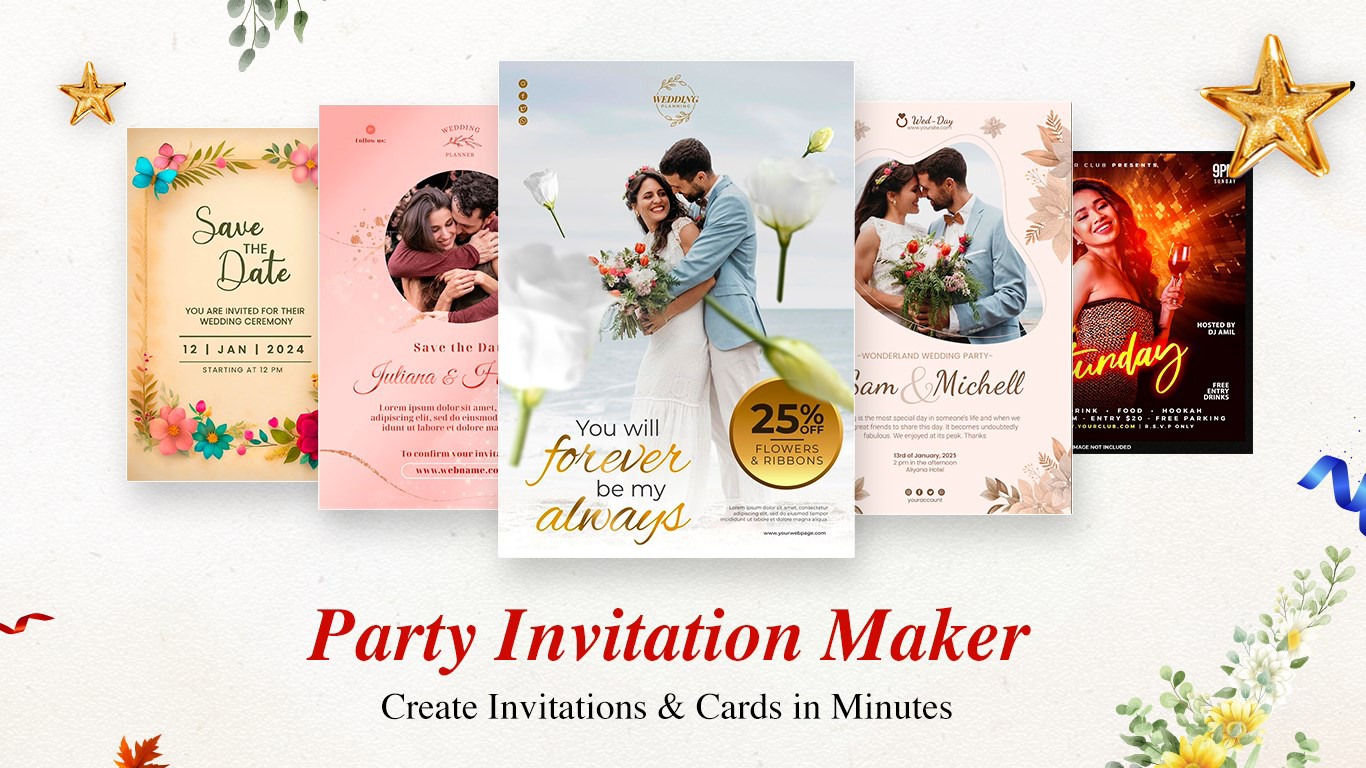
- Elegant Invitation Maker: Access a curated library of customizable templates designed for various events, including weddings, birthdays, and professional functions. Each template supports full personalization with text, images, and layout adjustments.
- Effortless Sharing Options: Share invitations directly via social media, email, or print them for physical distribution, offering flexibility in how guests are reached.
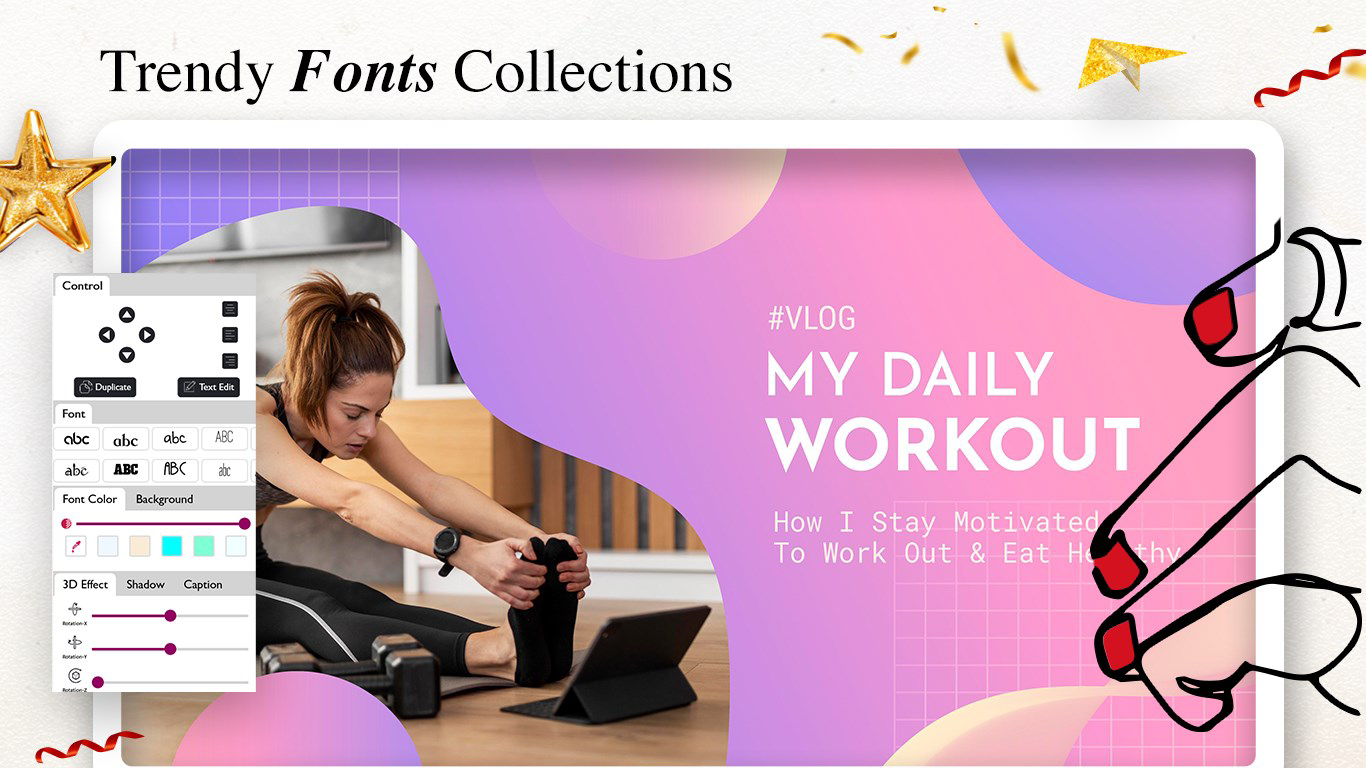
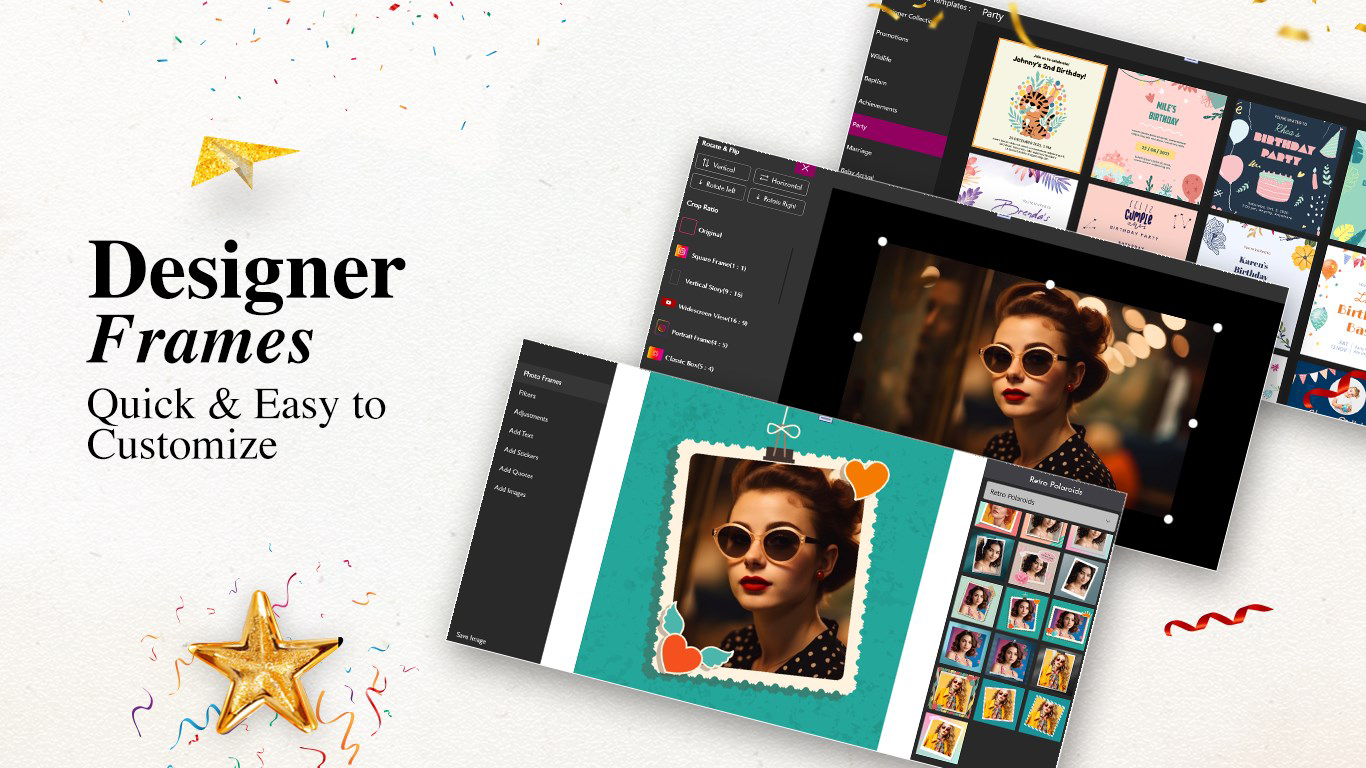
- Creative Photo Frames: Apply high-definition frames that match the mood of the event—romantic, playful, or formal—enhancing visual storytelling in invitations and keepsakes.
- Quick Editing Tools: Use intuitive tools to adjust brightness, contrast, and apply filters, transforming ordinary photos into polished, shareable content in seconds.
- In-App Purchases for Premium Features: Unlock advanced templates, exclusive frames, and enhanced editing tools through optional in-app purchases, allowing for deeper customization.
For example, a user planning a birthday party can select a vibrant template, insert a photo of the birthday celebrant, apply a fun frame, and share it instantly with guests via WhatsApp. Similarly, a couple organizing a wedding may use a minimalist template with elegant typography and a refined color palette to convey a sophisticated tone. The app’s design philosophy centers on reducing friction between idea and execution, making event planning more accessible and enjoyable.
Interface, UX & Performance
The user interface of Party Invitation Maker: Paperless Posts appears to prioritize clarity and ease of navigation. The layout is structured around a central design canvas, with toolbars and menus positioned for intuitive access. Users can browse templates, add media, and apply edits using touch-based gestures, minimizing the learning curve for first-time users.
Visual style leans toward modern minimalism, with clean lines and a well-balanced color scheme that avoids visual clutter. The app’s navigation flow is linear and predictable—users typically move from template selection to content customization, then to sharing or saving. This logical progression supports efficient workflow, especially during time-sensitive planning.
Although the developer did not list formal performance metrics, the app’s 45M file size suggests a balance between functionality and resource efficiency. It is expected to run smoothly on mid-to-high-end Android devices, though performance on lower-end models may vary. Responsiveness appears to be consistent during design tasks, with minimal lag during image loading and editing. Stability during extended use has not been publicly documented, but the app’s structured design implies a focus on reliable operation.
Platform Compatibility & Technical Requirements
Party Invitation Maker: Paperless Posts is available exclusively on the Android platform. The app’s current version is 2.1.0, with a file size of 45M, indicating a compact footprint suitable for devices with moderate storage capacity. While the app is designed for Android, specific OS version requirements were not disclosed by the developer.
Compatibility information was not fully disclosed, so users are advised to ensure their device meets general Android standards for running modern productivity apps. The lack of detailed system requirements means that installation on older or less common Android variants may be uncertain. However, the app’s size and typical functionality suggest it is optimized for mainstream Android devices released in the past few years.
Pros and Cons
- Offers a wide range of customizable templates for diverse event types
- Integrates photo editing tools directly within the invitation creation workflow
- Supports multiple sharing methods, including social media and email
- Provides creative photo frames and filters to enhance visual appeal
- Regular updates likely introduce new content and improvements
- Some premium features require in-app purchases, which may limit access for budget-conscious users
- Specific OS requirements were not listed, potentially affecting compatibility
- Performance on low-end devices has not been verified
- Limited information about cloud backup or cross-device synchronization
- Developer did not provide additional technical details about data handling or privacy
FAQ
Is Party Invitation Maker: Paperless Posts free to download?
The app is available for a one-time purchase of $3.99. While some features may be accessible without payment, advanced tools and templates require in-app purchases.
Can I use the app on iOS devices?
Currently, the app is only available on Android. There is no public information indicating iOS availability.
How often are new templates and features added?
The developer has indicated that regular updates will introduce new content, though specific update frequency has not been disclosed.
Are my photos stored securely within the app?
The developer did not provide detailed information about data storage or privacy practices. Users should review the app’s privacy policy before uploading personal content.
Can I edit my invitations after sharing them?
While the app allows for post-creation edits, the ability to update shared versions depends on the sharing method used. For example, changes to a printed invitation cannot be retroactively applied.
Final Thoughts
Party Invitation Maker: Paperless Posts stands out as a practical and visually appealing solution for users seeking to create digital invitations with minimal effort. Its fusion of design flexibility, photo editing capabilities, and multi-channel sharing makes it a valuable tool in modern event planning. The app is especially beneficial for individuals who want to maintain creative control while reducing the environmental and logistical burden of paper invitations.
While the $3.99 price point may deter some users, the integration of premium features through in-app purchases offers a tiered experience that balances accessibility and advanced functionality. For those who frequently host events and value aesthetics and convenience, the app delivers strong value.
Download Party Invitation Maker: Paperless Posts now
Guides & Tutorials
How to install Party Invitation Maker: Paperless Posts
- Click the Download button above.
- Once redirected, accept the terms and click Install.
- Wait for the Party Invitation Maker: Paperless Posts download to finish on your device.
How to use Party Invitation Maker: Paperless Posts
This software is primarily used for its core features described above. Open the app after installation to explore its capabilities.
User Reviews
No reviews yet. Be the first to share your experience.
You may also like
more
Que no te pillen¡
About !Que no te pillen¡Reviewed by Jason A. BilbreyShow MoreShow Less

3D Combat Zone
About 3D Combat ZoneOriginally released in 1983, 3D Combat Zone immerses players...

666: El día del portal
About 666: El día del portalOn June 6, 2006, Agent P. Stone uncovers a sinister...

80 in 1 Best Flash games
About 80 in 1 Best Flash games 80 in 1 Best Flash games is a collection of 80 fl...

ABYSS SEEKERーーWhat Do You See Deep in The Abyss
About ABYSS SEEKERーーWhat Do You See Deep in The AbyssIn ABYSS SEEKER, players...

ACA NEOGEO THE KING OF FIGHTERS 2002 for Windows
About ACA NEOGEO THE KING OF FIGHTERS 2002 for WindowsTHE KING OF FIGHTERS 2002,...